10 Best AI Tools in 2026 for Work, Business & Productivity
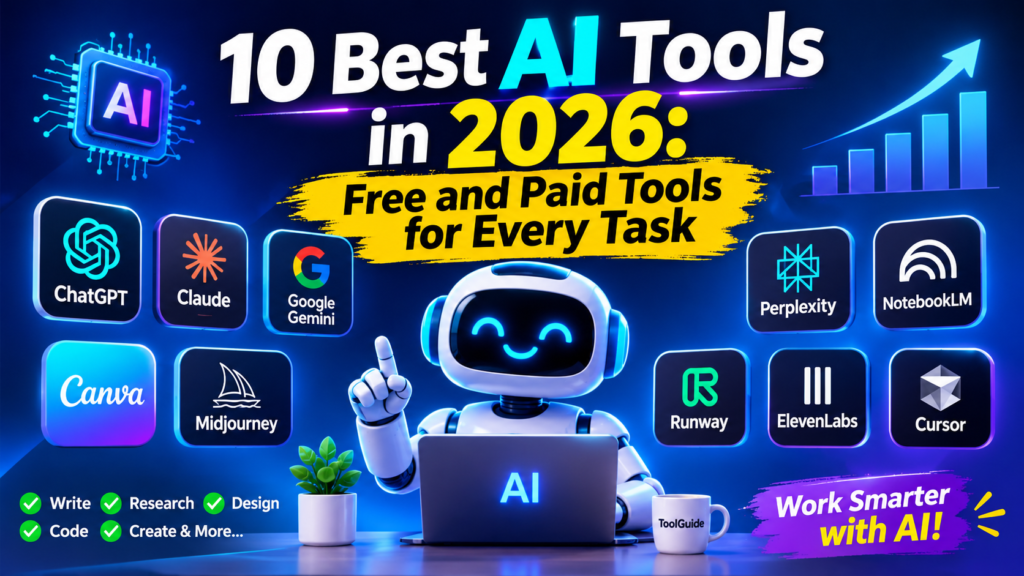
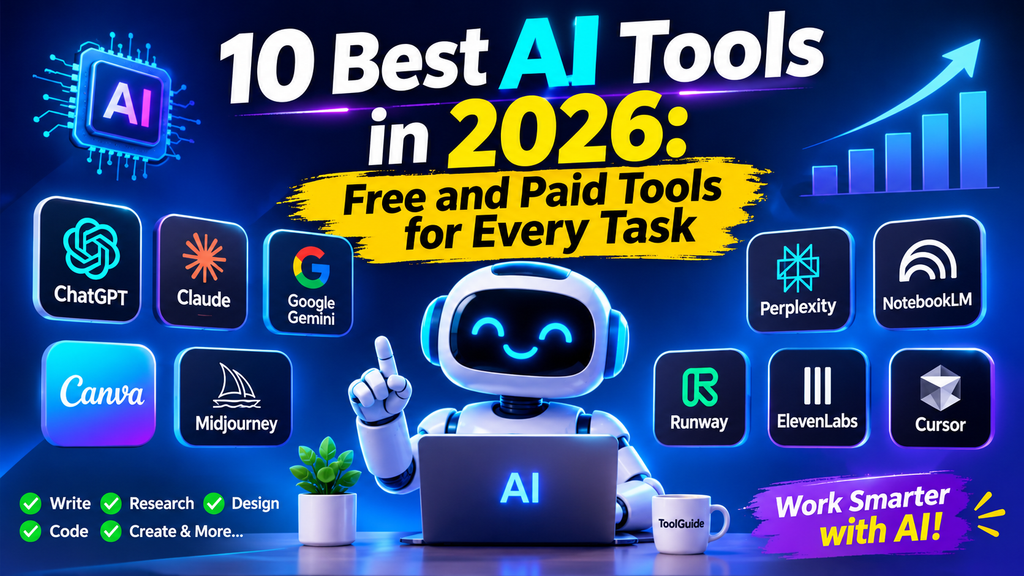
10 Best AI Tools 2026: Quick Comparison
Choosing the best AI tools 2026 can help you save time, improve productivity, and complete everyday tasks more efficiently. From AI writing assistants and research platforms to image generators, video creation software, and coding tools, each platform offers different features and benefits. If you are interested in creating videos, explore our guide to the 7 best free AI video editing tools online in 2026 to discover useful video editing platforms for your projects.
Before choosing an AI tool, it is important to compare its features, pricing, free plans, and ease of use. The comparison table below highlights 10 popular AI tools, what they are best for, and whether they offer a free option. This will help you find the right AI software for your personal, educational, or business needs.
Quick Comparison of the Best AI Tools in 2026
Artificial intelligence is changing how people work, study, create content, and manage businesses. Today, AI tools can help you write articles, research information, generate images, create videos, build software, and automate everyday tasks.
In this guide, we explore 10 of the best AI tools in 2026, explain what each tool does, highlight its key features, and help you decide which option is right for your needs.
| AI Tool | Best For | Free Option |
|---|---|---|
| ChatGPT | General AI assistance | Yes, limited |
| Claude | Writing and document analysis | Yes, limited |
| Google Gemini | Research and Google ecosystem | Yes, limited |
| Perplexity AI | Online research | Yes, limited |
| NotebookLM | Studying documents | Yes |
| Canva AI | Graphic design | Yes, limited |
| Midjourney | AI image generation | No standard free plan |
| Runway | AI video creation | Limited credits/options |
| ElevenLabs | AI voice generation | Yes, limited |
| Cursor | AI-assisted coding | Limited free plan |
Free features and usage limits can change. Check each provider’s official website for the latest details.
1. ChatGPT: Best AI Tool for Everyday Tasks
ChatGPT is a versatile AI assistant that can help users with writing, brainstorming, research, programming, learning, and problem-solving.
It is useful for beginners as well as professionals who want an AI assistant for everyday tasks.
Key features:
- Generate articles and written content.
- Explain complicated topics.
- Help with programming and debugging.
- Analyze uploaded documents.
- Brainstorm business ideas.
- Assist with learning and productivity.
Who should use it?
Students, freelancers, developers, writers, and business owners.
Free option: Yes, with usage limitations.
Official website: https://chatgpt.com/
2. Claude: Best AI Tool for Writing and Long Documents
Claude is an AI assistant developed by Anthropic. It is particularly useful for working with lengthy documents, writing, summarizing information, and understanding complex topics.
Writers and developers can use it to review content, analyze code, and organize ideas.
Key features:
- Long-document analysis.
- Writing and editing assistance.
- Summarizing reports.
- Programming support.
- Brainstorming and problem-solving.
Who should use it?
Professional writers, researchers, developers, and people who regularly work with documents.
Free option: Yes, subject to usage limits.
Official website: https://claude.ai/
3. Google Gemini: Best AI Tool for Google Users
Google Gemini is an AI assistant that helps users generate content, understand information, brainstorm ideas, and work with supported Google services.
It can be useful for people who already use Google’s ecosystem.
Key features:
- AI-powered conversations.
- Writing assistance.
- Image understanding.
- Research and brainstorming.
- Integration with supported Google services.
Who should use it?
Students, professionals, researchers, and Google Workspace users.
Free option: Yes, with limitations.
Official website: https://gemini.google.com/
4. Perplexity AI: Best AI Research Tool
Perplexity AI is an AI-powered research and answer engine. It helps users explore topics and find information with links to supporting sources.
Unlike a traditional chatbot conversation, it emphasizes finding and referencing information from the web.
Key features:
- AI-powered web research.
- Source-linked answers.
- Topic exploration.
- Follow-up research questions.
- Summaries of information.
Who should use it?
Students, researchers, journalists, bloggers, and professionals.
Free option: Yes, with limitations.
Official website: https://www.perplexity.ai/
5. NotebookLM: Best AI Tool for Studying and Research
NotebookLM is Google’s AI-powered research and note-taking assistant. It helps users understand information from sources they provide.
You can use it to organize study materials, summarize documents, and explore complicated subjects.
Key features:
- Summarize uploaded sources.
- Ask questions about your documents.
- Organize research materials.
- Generate study guides.
- Create audio overviews where supported.
Who should use it?
Students, teachers, researchers, and professionals working with large amounts of information.
Free option: Yes, with usage limits.
Official website: https://notebooklm.google.com/
6. Canva AI: Best AI Tool for Graphic Design
Canva is a popular graphic design platform with AI-powered features that help users create visual content.
It can help beginners create social media posts, presentations, marketing graphics, and other designs without advanced design experience.
Key features:
- AI-assisted design.
- Presentation creation.
- Social media graphics.
- Image editing.
- Templates and visual content.
Who should use it?
Content creators, freelancers, marketers, students, and small businesses.
Free option: Yes, with some AI features and usage limits.
Official website: https://www.canva.com/
7. Midjourney: Best AI Tool for Image Generation
Midjourney is an AI image generation platform that creates images from written descriptions.
It is useful for creating artistic visuals, creative concepts, illustrations, and design inspiration.
Key features:
- Text-to-image generation.
- Different artistic styles.
- Creative image exploration.
- Image variations and editing workflows.
Who should use it?
Designers, artists, marketers, and content creators.
Free option: No standard free plan; check the current subscription options.
Official website: https://www.midjourney.com/
8. Runway: Best AI Tool for Video Creation
Runway provides AI-powered tools for video generation and editing. It can help creators experiment with video concepts and produce visual content using supported AI features.
Key features:
- AI video generation.
- Text and image-based video workflows.
- Video editing tools.
- Visual effects.
- Creative production features.
Who should use it?
Video editors, filmmakers, content creators, and marketers.
Free option: Limited access or credits may be available depending on the current plan.
Official website: https://runwayml.com/
9. ElevenLabs: Best AI Tool for Voice Generation
ElevenLabs offers AI-powered voice and audio generation tools. It is useful for creating voiceovers, narration, and audio content.
Content creators can use it for videos, educational materials, and other projects.
Key features:
- AI voice generation.
- Text-to-speech.
- Voice design.
- Audio production tools.
- Multilingual voice capabilities.
Who should use it?
YouTubers, video creators, educators, and businesses.
Free option: A limited free tier is available, subject to current terms.
Official website: https://elevenlabs.io/
10. Cursor: Best AI Tool for Developers
Cursor is an AI-powered code editor designed to help developers write, understand, and modify code.
It can assist with programming tasks, explain existing code, and help developers work more efficiently.
Key features:
- AI coding assistance.
- Code suggestions.
- Codebase understanding.
- Debugging support.
- AI-assisted code editing.
Who should use it?
Web developers, software engineers, programmers, and development teams.
Free option: Limited free usage is available depending on the current plan.
Official website: https://cursor.com/
How to Choose the Right AI Tool
Choosing an AI tool depends on what you want to accomplish.
Here are some recommendations:
- For everyday assistance: ChatGPT.
- For long documents and writing: Claude.
- For Google-related workflows: Gemini.
- For online research: Perplexity.
- For studying documents: NotebookLM.
- For graphic design: Canva.
- For artistic image generation: Midjourney.
- For AI video production: Runway.
- For voiceovers: ElevenLabs.
- For programming: Cursor.
You do not need to subscribe to every AI platform. Start with a free option, explore its features, and upgrade only when you need additional capabilities.
Benefits of Using AI Tools
AI software can make many everyday tasks easier when used correctly.
1. Save time: Automate repetitive work and speed up common tasks.
2. Improve productivity: Organize ideas, summarize documents, and plan projects.
3. Support creativity: Generate design concepts, content ideas, and visual inspiration.
4. Learn new skills: Use AI assistants to understand unfamiliar subjects and practice new skills.
5. Support businesses: Explore opportunities to improve customer service, marketing, and internal workflows.
AI-generated information should always be reviewed. These tools can make mistakes, produce outdated information, or generate inaccurate results.
Frequently Asked Questions
What are the best AI tools in 2026?
Some useful AI tools include ChatGPT, Claude, Google Gemini, Perplexity, NotebookLM, Canva, Midjourney, Runway, ElevenLabs, and Cursor. The best option depends on your specific task.
Which AI tools are free to use?
ChatGPT, Claude, Google Gemini, Perplexity, NotebookLM, and Canva offer free access or free tiers. Their features and usage limits vary.
Which AI tool is best for students?
ChatGPT, Gemini, and NotebookLM can help students understand subjects, summarize study materials, and organize research.
Which AI tool is best for content creators?
Canva is useful for visual content, ChatGPT and Claude can assist with writing, Runway supports video creation, and ElevenLabs helps with voice generation.
Can AI tools help small businesses?
Yes. AI tools can support marketing, customer communication, content creation, research, and workflow automation. Businesses should review privacy and data-handling policies before sharing sensitive information.
Are AI tools always accurate?
No. AI systems can produce incorrect or incomplete information. Always verify important facts using reliable sources.
Final Thoughts
AI tools are becoming useful across many industries, from education and business to software development and digital content creation.
The 10 tools in this guide cover different needs, so there is no single winner for everyone. Start by identifying the task you want to improve and select the tool that best matches your requirements.
At ToolGuide, our goal is to help readers discover useful software, understand its features, and make informed technology decisions.
Editorial note: Features, availability, pricing, and free-plan limits may change. Check official provider websites before making purchasing decisions. This guide is an editorial overview, not a claim that every tool has been independently tested.